How to Charge a Non-Tesla EV at a Tesla Supercharger
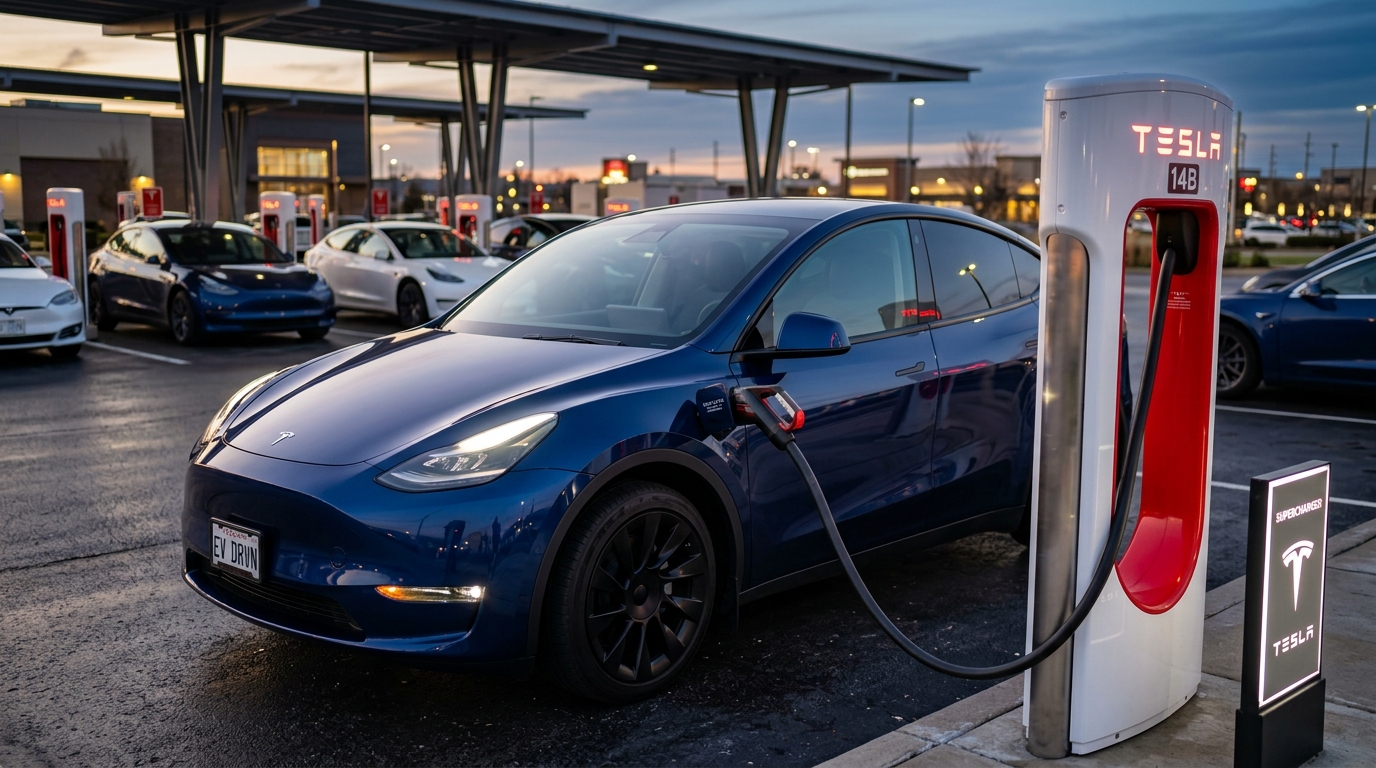
For years, Tesla’s Supercharger network was a walled garden, reserved exclusively for Tesla owners. It was widely considered the gold standard of electric vehicle (EV) charging—reliable, fast, and incredibly widespread.
But the landscape of EV charging has undergone a massive shift. Under the new North American Charging Standard (NACS/SAE J3400), major automakers have transitioned to Tesla’s port design, and Tesla has opened up thousands of Superchargers to non-Tesla vehicles.
If you drive a Ford, GM, Rivian, Hyundai, Kia, or another brand of EV, you can now access Tesla’s network. However, the transition can be confusing. Which stations work? Do you need an adapter? How do you start the session? In this ultimate guide, we will answer all these questions and walk you through the entire process.
The Travel Adapter Analogy: How It Works
To understand charging a non-Tesla EV at a Supercharger, imagine traveling internationally:
- The Physical Plug (The Adapter): In Europe, your American phone charger won’t physically fit into the wall socket. You need a plastic travel adapter. Similarly, most non-Tesla EVs in North America use a Combined Charging System (CCS1) port, whereas Superchargers use the NACS port. A physical adapter bridges this gap.
- The Conversation (The Protocol): Even if the plug fits, the device and the wall outlet need to “talk” to ensure the correct voltage is delivered. Tesla Superchargers talk to cars using a communication protocol. CCS1 cars and Tesla Superchargers (V3 and V4) both speak the same digital language (ISO 15118 / DIN 70121 via Power Line Communication). Because they speak the same language, the adapter only needs to be a passive physical connector with no smart electronics inside.
Step 1: Verify Charger Compatibility (V2 vs. V3 vs. V4)
Not all Tesla Superchargers are open to non-Tesla EVs. It is critical to know which version you are parked at before plugging in.
flowchart TD
    A["🔌 Arrive at Supercharger"] --> B{"🔍 Station Generation?"}
    B -->|"V2 (150 kW max)"| C["❌ Incompatible"]
    B -->|"V3 (250 kW max)"| D["✅ Compatible via Adapter"]
    B -->|"V4 (350 kW max)"| E["✅ Compatible via Adapter"]
    B -->|"Magic Dock Station"| F["✅ Integrated Adapter Included"]
    C --> G["No communication protocol support for non-Tesla EVs"]
    D --> H["Use Tesla App to start session"]
    E --> H
    F --> I["Tesla App releases integrated adapter automatically"]
Supercharger Generation Breakdown
| Supercharger Version | Max Power Rate | Non-Tesla Compatible? | Requirements |
|---|---|---|---|
| V2 Superchargers | 150 kW | No | None (Tesla-only communication) |
| V3 Superchargers | 250 kW | Yes | Approved NACS-to-CCS1 adapter |
| V4 Superchargers | 350 kW | Yes | Approved NACS-to-CCS1 adapter |
| Magic Dock Stalls | 250 kW | Yes | Built-in adapter (no personal adapter needed) |
[!IMPORTANT]
How to spot V2 chargers: V2 Superchargers can be identified by their thick, heavy black cables and lower power output. V3 and V4 chargers have thinner, liquid-cooled cables and are labeled as 250 kW or higher in the Tesla app. Non-Tesla EVs cannot communicate with V2 stations.
Step 2: Getting the Right NACS-to-CCS1 Adapter
To charge at a standard V3 or V4 Supercharger, you will need a NACS-to-CCS1 DC fast charging adapter.
1. OEM Manufacturer Adapters
Most automakers are providing free or discounted adapters to their customers. Check your vehicle manufacturer’s owner portal to request your official adapter. These are fully tested and covered under your vehicle’s warranty.
2. Third-Party Adapters
If your manufacturer hasn’t sent your adapter yet, reputable aftermarket brands (such as A2Z or Lectron) sell certified adapters.
[!WARNING]
Use Certified Adapters Only: Ensure any adapter you buy is certified to UL 2252 standards. Cheap, uncertified adapters found on online marketplaces can melt under the high currents (up to 500 Amps) delivered by Superchargers, potentially destroying your car’s charging port or battery pack.
Step 3: How to Charge (Step-by-Step Guide)
Charging at a Tesla Supercharger is a bit different from standard public networks. Follow these steps for a smooth session:
1. Set Up Your Account
Before you leave home, download the Tesla App and create an account. Add a credit card to your profile under the “Charge Your Non-Tesla” section.
2. Find a Compatible Station
Open the Tesla App, select “Charge Your Non-Tesla”, and view the map. This will filter and show only Superchargers open to other vehicles.
3. Park Correctly (The Cable Length Challenge)
Tesla Supercharger cables are notoriously short because Tesla cars all have their charge ports in the rear-left corner. Non-Tesla EVs have ports in various locations (front-left, rear-right, etc.).
- The Rule: Park in a way that aligns your port with the charger. In many layouts, this might mean you have to park in the “wrong” space, taking up a stall next to you.
- Etiquette: Be mindful of other drivers. If the station is crowded, try to find a stall where your parking doesn’t block another active charging lane.
4. Connect the Adapter and Plug In
Assemble the adapter and Supercharger nozzle first, then plug the combined unit firmly into your car.
- Take the Supercharger cable.
- Align and slide the NACS plug into your NACS-to-CCS1 adapter until it clicks and locks.
- Plug the CCS1 end of the adapter into your vehicle.
5. Start the Session
- Open the Tesla App.
- Select the station you are at and choose the correct stall number (e.g., “3B” — usually printed at the base of the charger).
- Tap “Start Charging” in the app.
- Wait for the handshake. The charger will click, hum, and start delivering power after a brief safety check.
[!TIP]
Save Money with a Tesla Membership: If you plan on road-tripping and using Superchargers frequently, Tesla offers a monthly charging membership. Subscribing lowers the per-kWh charging rate for non-Tesla drivers to the same rate that Tesla owners pay, which can save you $10–$20 per road trip.
Charging Speed: What to Expect
Will your non-Tesla EV charge as fast as a Tesla? Not always. Charging speed depends on several factors:
- Vehicle Voltage Architecture: Tesla Superchargers are optimized for ~400V battery systems. EVs with 800V architectures (such as the Hyundai Ioniq 5, Kia EV6, or Porsche Taycan) charge slower on V3 Superchargers (typically limited to 97 kW to 100 kW) because the Supercharger cannot boost its voltage to match the car’s native voltage.
- Thermal Throttling: Some older adapters can heat up during long sessions, causing the vehicle’s BMS to throttle the power to protect the connection.
For a detailed analysis of how fast your specific EV will charge at various stations, check out our EV Charge Time Calculator.
If you want to plan how these charging stops fit into your total trip duration, use our Real-World EV Range Calculator to estimate your highway range and efficiency under different temperatures. You can also research your vehicle’s peak charging rate in our comprehensive EV Database.